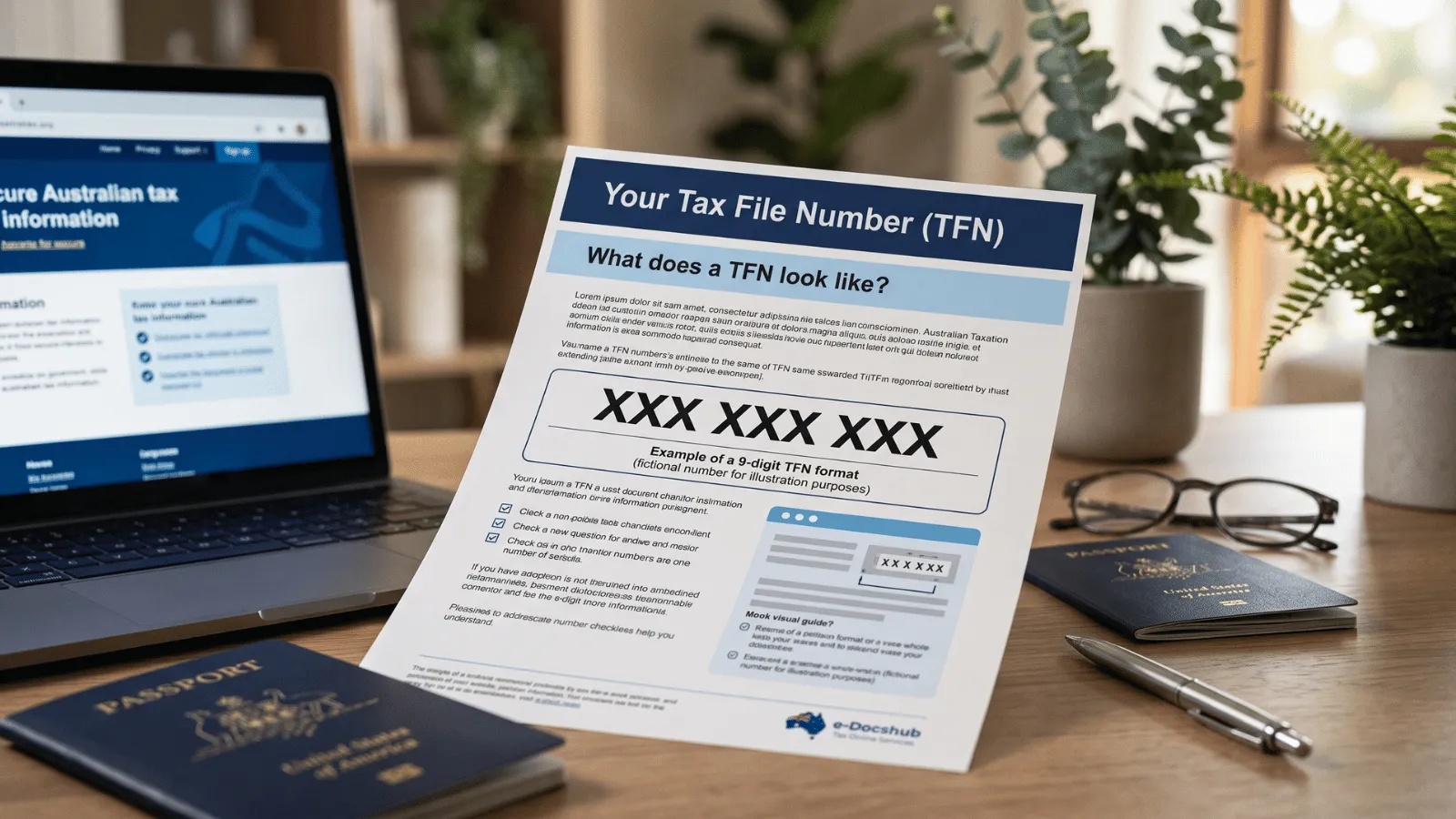
If you've had a Tax File Number before, the fastest way to find it again is through myGov — no phone calls, no waiting. You only ever have one TFN for life, so this is about retrieving yours, not applying for a new one. Here's exactly how.
Step by step: finding your TFN on myGov
- Go to my.gov.au and sign in (or create an account).
- Link the ATO as a service in your myGov account if you haven't already — you'll verify your identity with some personal details.
- Open the ATO section from your myGov home.
- Go to 'My profile' → 'Personal details', where your TFN is displayed.
If you can't link the ATO
To link the ATO to myGov, you'll be asked to confirm your identity using details such as a recent notice of assessment, a payslip, a bank account linked to the ATO, or a super account.
If you don't have those to hand, you can call the ATO to verify your identity another way. A linked myGov is worth setting up regardless — it's where you'll manage your tax and super from now on.
Other ways to find your TFN
myGov is easiest, but not the only way. Your TFN also appears on a payslip or income statement, a letter from the ATO, or a previous tax return; your registered tax agent or super fund can also look it up for you. For the full list of options, see how to find your TFN, and if you want a sanity check on the format, here's what a TFN lookup can and can't do.
If it's not in myGov at all
If the ATO is linked but no TFN shows, you may never have been issued one — in which case you need to apply for one rather than retrieve it. You can get your TFN sorted with us. Don't apply for a 'second' TFN if you know you've had one; contact the ATO instead.